DoMD (ChemFAST) Documentation
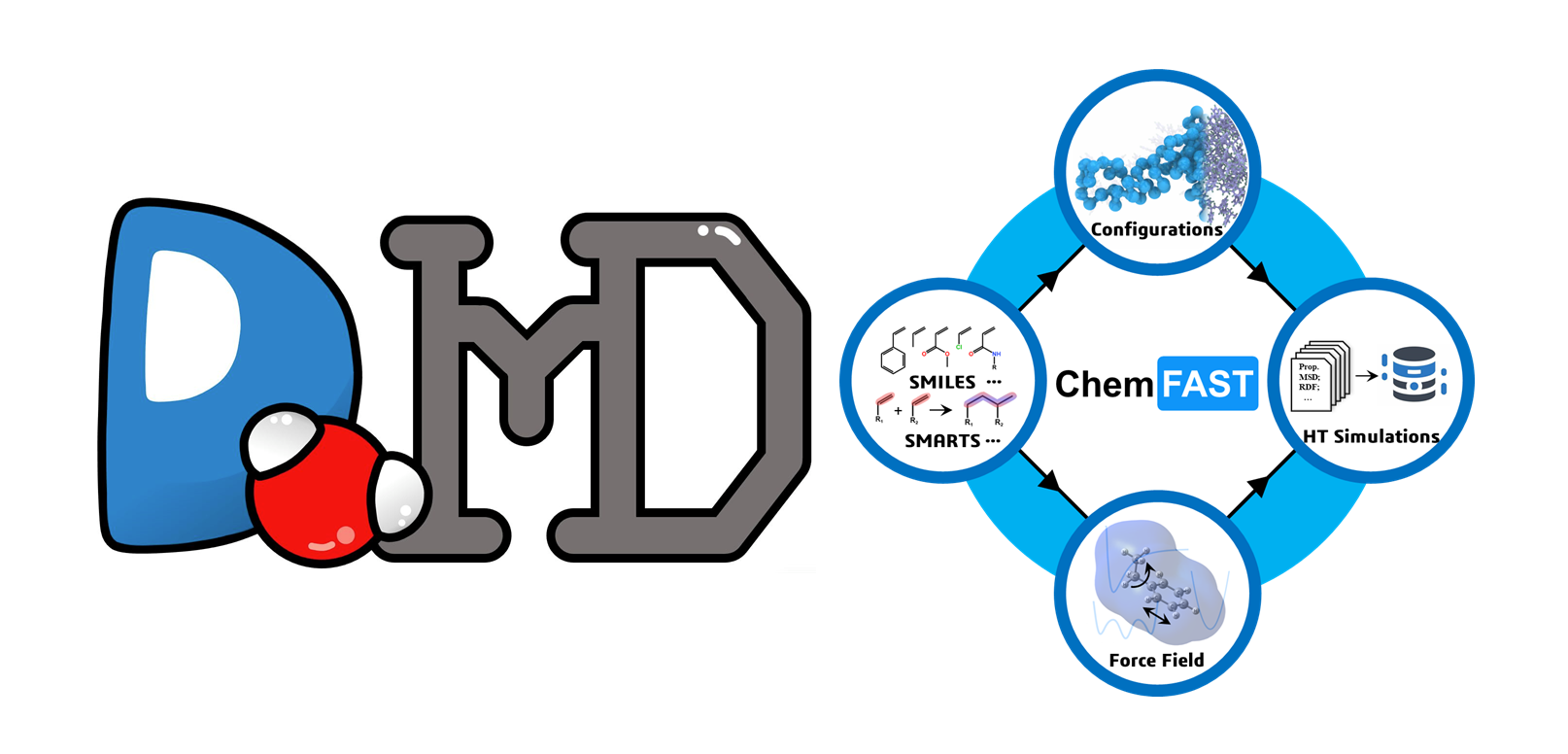
DoMD is a general-purpose platform designed for molecular dynamics simulations. ChemFAST (Chemical-Friendly Automated Simulation Toolkit) is a specialized toolkit within DoMD focused on high-throughput modeling and simulation.
ChemFAST functions as a “chemical compiler,” translating high-level chemical descriptions (SMILES/SMARTS) directly into simulation-ready all-atom models, enabling automated construction of complex polymer and biological systems.
Installation
Quick installation for the release
Please download the lastest version of ChemFAST at Github Release. Release includes the large database files opls.db, which are required for the force field assignment. After downloading and unzipping the release zip file, you can set up the environment and test the installation with the following commands:
# Download and unzip the release zip file
$ cd <path-to-domd>
$ conda env create -f environment.yml
$ conda activate domd-toolkit
$ python -c 'from domd_tools import *; print("Success install domd.")'
Step-by-step installation from repo
This is the installation process if you want to install from the git repository, which is recommended for developers or users who want to use the latest features. For users who just want to use the stable version, we recommend downloading the release version as described above. This process needs to be done in the root directory of DoMD, where setup.py is located.
# Setup Environment
$ conda create -n domd-toolkit -c conda-forge numpy nomkl rdkit=2025.03.6 openbabel numba networkx pandas scipy jupyter scikit-learn matplotlib python==3.12
$ conda activate domd-toolkit
$ pip3 install torch torchvision --index-url https://download.pytorch.org/whl/cpu
$ pip3 install torch_geometric pdbreader
# Download DoMD
$ git clone https://github.com/DoMD-toolkit/DoMD.git
# Download and move `opls.db` to `DoMD/domd_forcefield/oplsaa/resources/opls.db`
# Or you can download the release .zip file, it contains the `opls.db` file
# cd to the root directory of DoMD, for example `DoMD` if cloned from github
# where `setup.py` is under the root directory
$ pip install -e .
Database Setup (Large Files)
Important: DoMD requires specific large database files for force field parameterization. These are not included in the git repository due to size limits.
DoMD/
└── domd_forcefield/
    └── oplsaa/
        └── resources/
            └──opls.db  <-- Required for parameterization
Download Link: Google Drive
domd_database/forcefield/oplsaa/data/ligpargen/AllData.pkl: This file is the OPLS-AA force field database, for training the force field model, this file is NOT NEEDED for the program.domd_forcefield/oplsaa/resources/opls.db: This file is required for force field assignment.
Usage Examples & Testing
Navigate to the polyimide example directory:
$ cd <path-to-the-examples>/pi
1. End-to-End Workflow
Run the main script to process a pre-equilibrated Coarse-Grained (CG) configuration:
$ python polyimides.py
Outputs:
chemfast.gro: The back-mapped All-Atom (AA) conformation.chemfast.top: The GROMACS-compatible force field and topology file.out_chemfast.xml: The PyGAMD xml input.
Purpose: These files are ready for immediate use in atomistic simulations using GROMACS.
2. Step-by-Step Module Testing
We also provide individual tests for specific S-CGFG functions to demonstrate the underlying workflow:
CG Topology Generation
$ python cg.py
Generates an initial CG configuration (e.g., linear chains) and force field parameters based on HSP (Hansen Solubility Parameters) predictions. This is typically used for pre-equilibration or reaction runs. (Note: This step is optional as a pre-equilibrated configuration is already provided).
Output:
out_chemfast_cg.xmlfile for PyGAMD, andcg_params.txtas CG forcefield parameters.
CG Parameterization
$ python cg_params.py
Generates CG simulation force field parameters only from specific monomers and reaction templates.
Output:
cg_parameters.txt
Back-mapping (CG to FG)
$ python fg.py
Tests the Coarse-Grained to Fine-Grained (AA) conversion.
Outputs: AA conformations (stored in the
aa_confs/folder) and topology metadata (meta_aa_top.pkl).
Force Field Parameterization
$ python ff.py
Performs force field parameterization by reading
meta_aa_top.pkl.Output:
meta_ffs.pkl
Final Assembly
$ python output.py
Assembles the AA conformations and force field data into standard GROMACS input formats.
Outputs: Final
.gro,.topand.xml(for PyGAMD) files.
Documentation
Manual:
Tutorials: